A campfire for your sparks
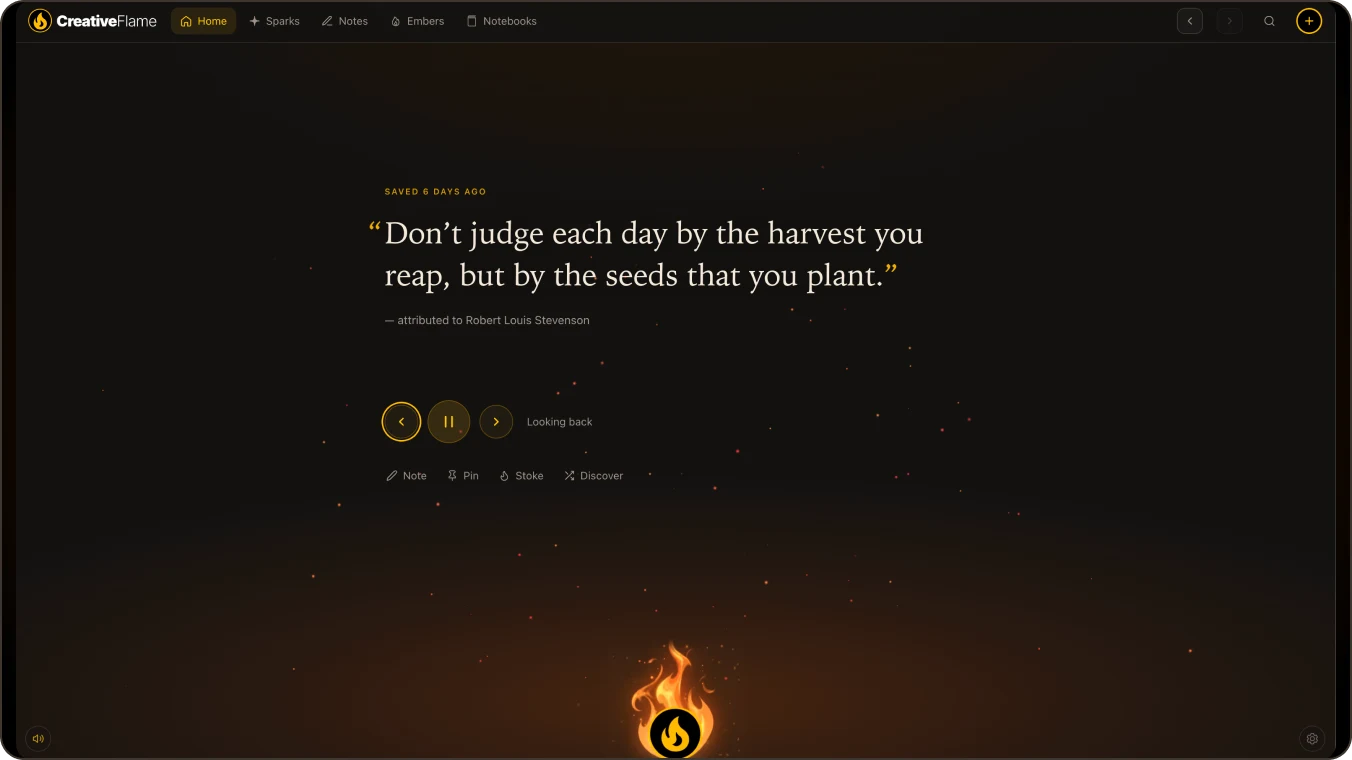
Home cycles through what you have collected, so old ideas find you again.
Old ideas find you again.

A private creative workspace
CreativeFlame is a personal workspace to collect the quotes, images and sketches that inspire you. Think with them in notes, and arrange everything on infinite canvas notebooks. All of it stays on your own device for digital sovereignty of your ideas.
The demo runs in your browser with sample content. Nothing you write is saved or sent anywhere, and it’s gone when you refresh.
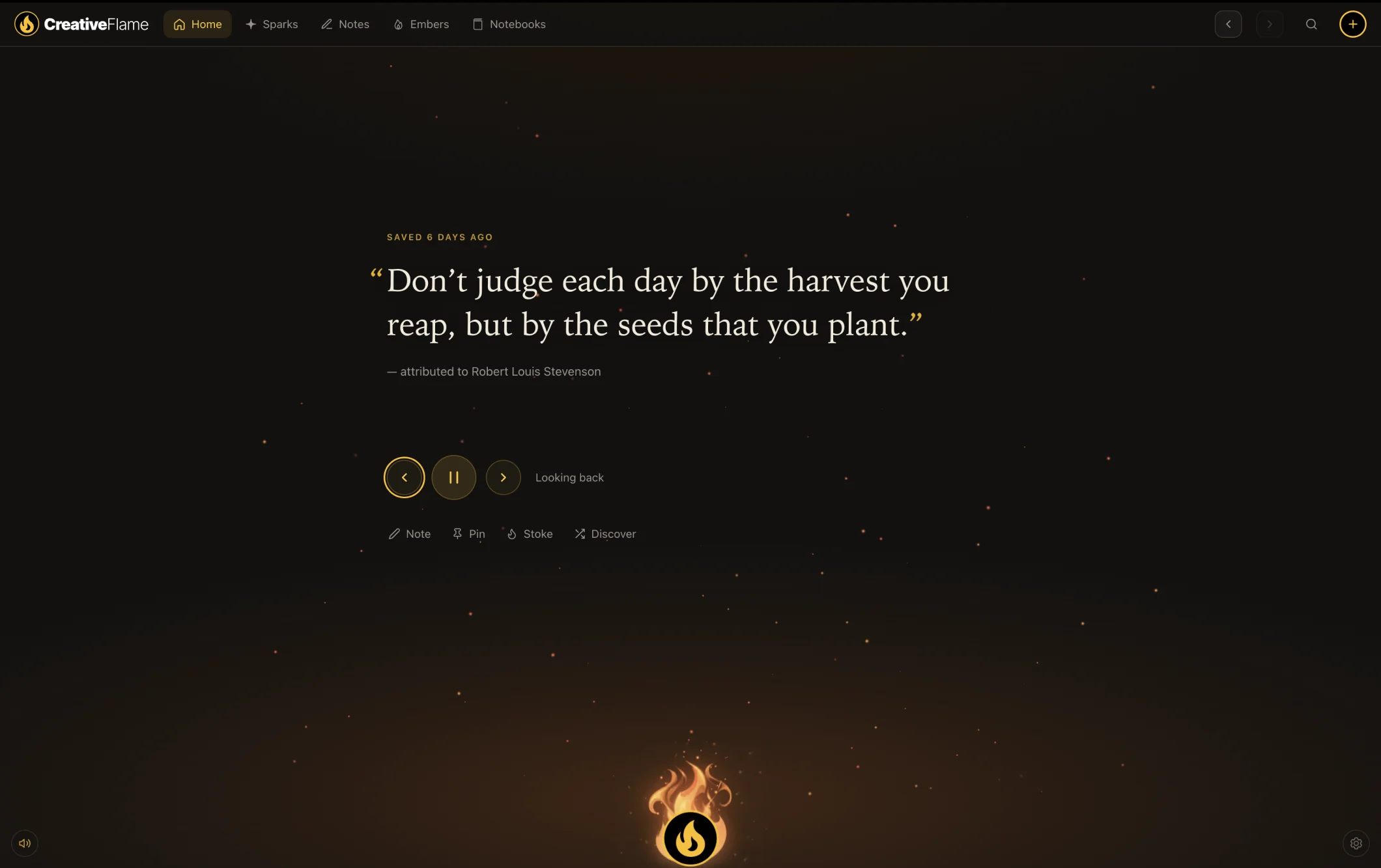
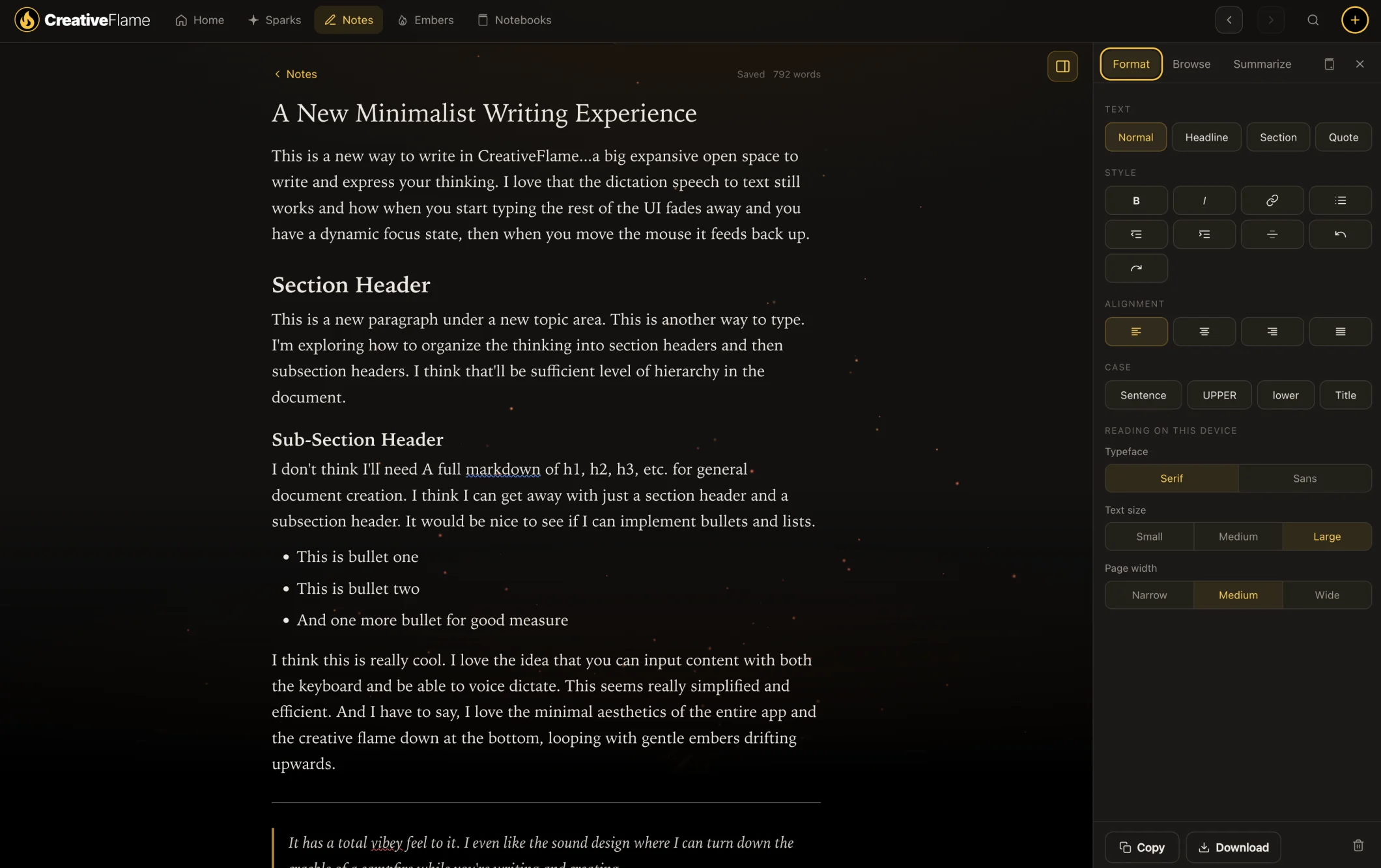
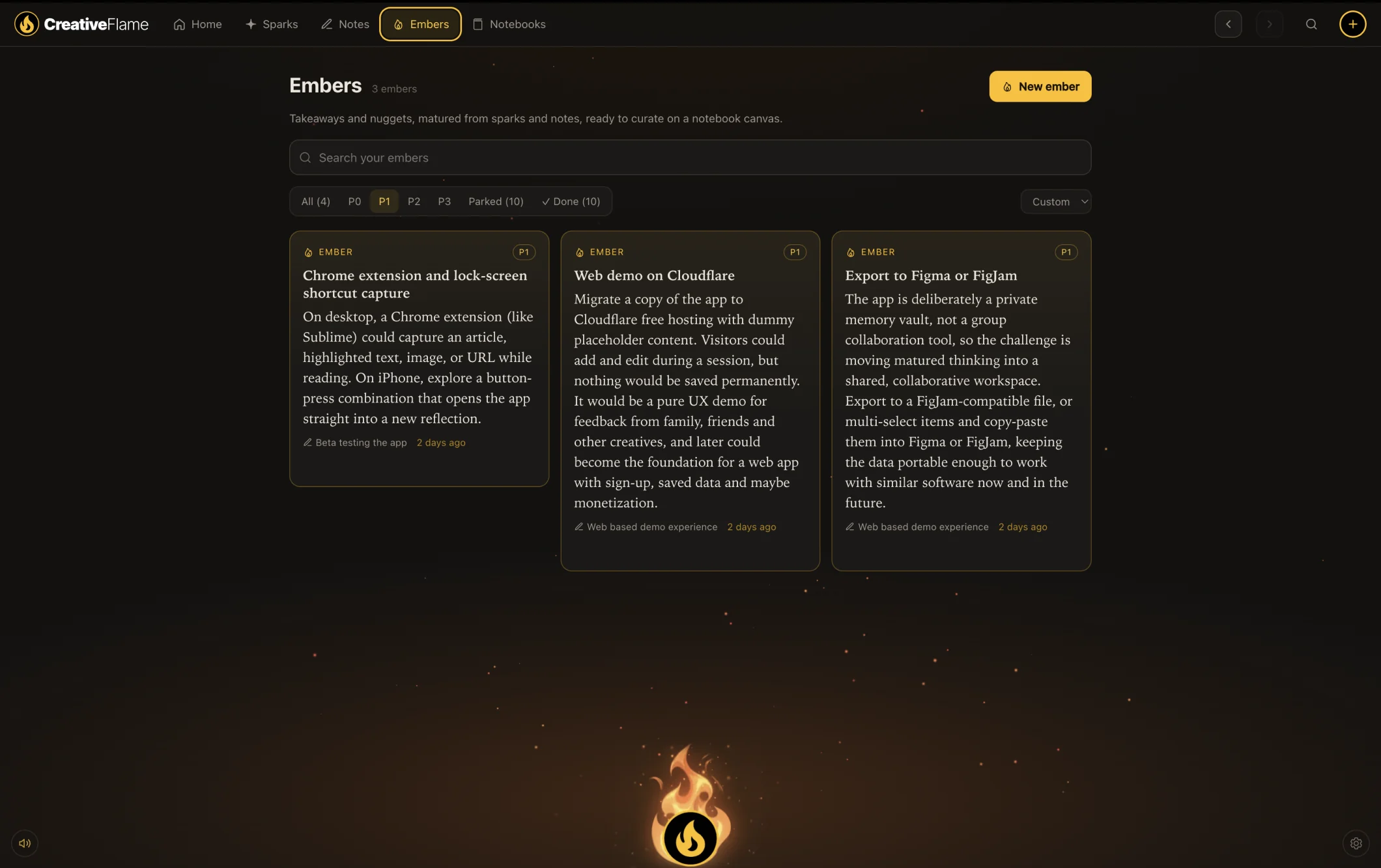
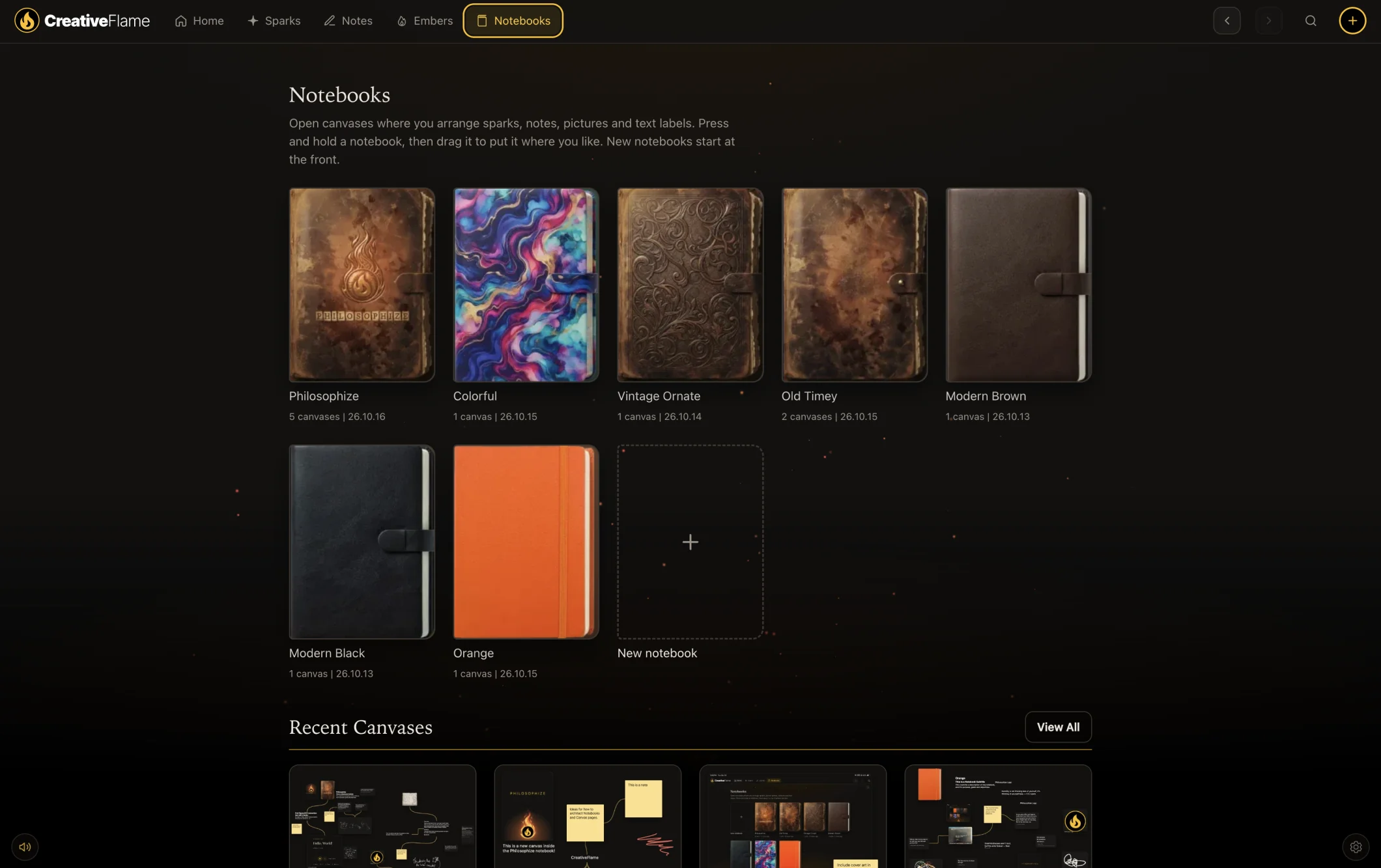
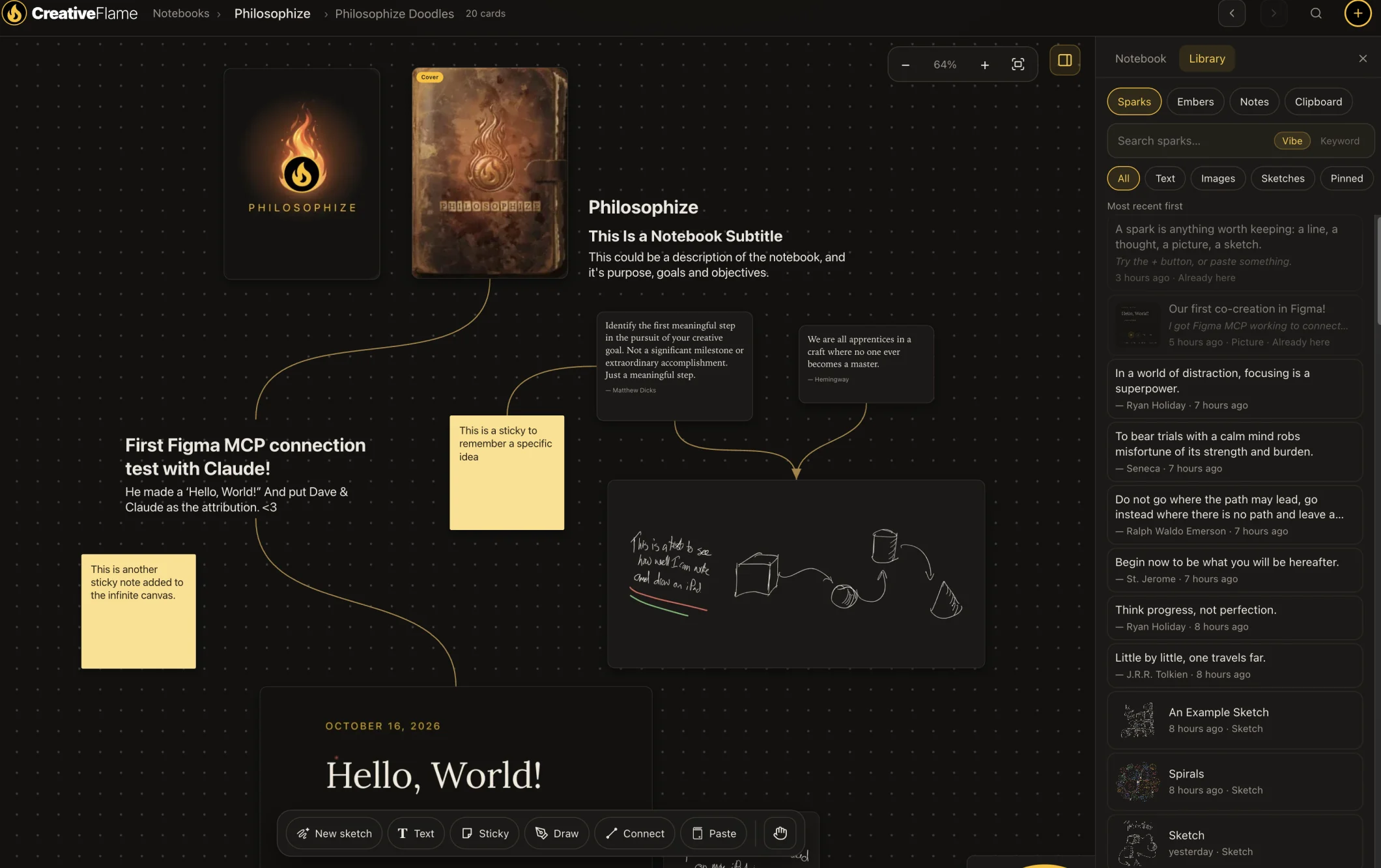
Home is a campfire that cycles through the sparks you’ve collected, so old ideas find you again.
How ideas grow
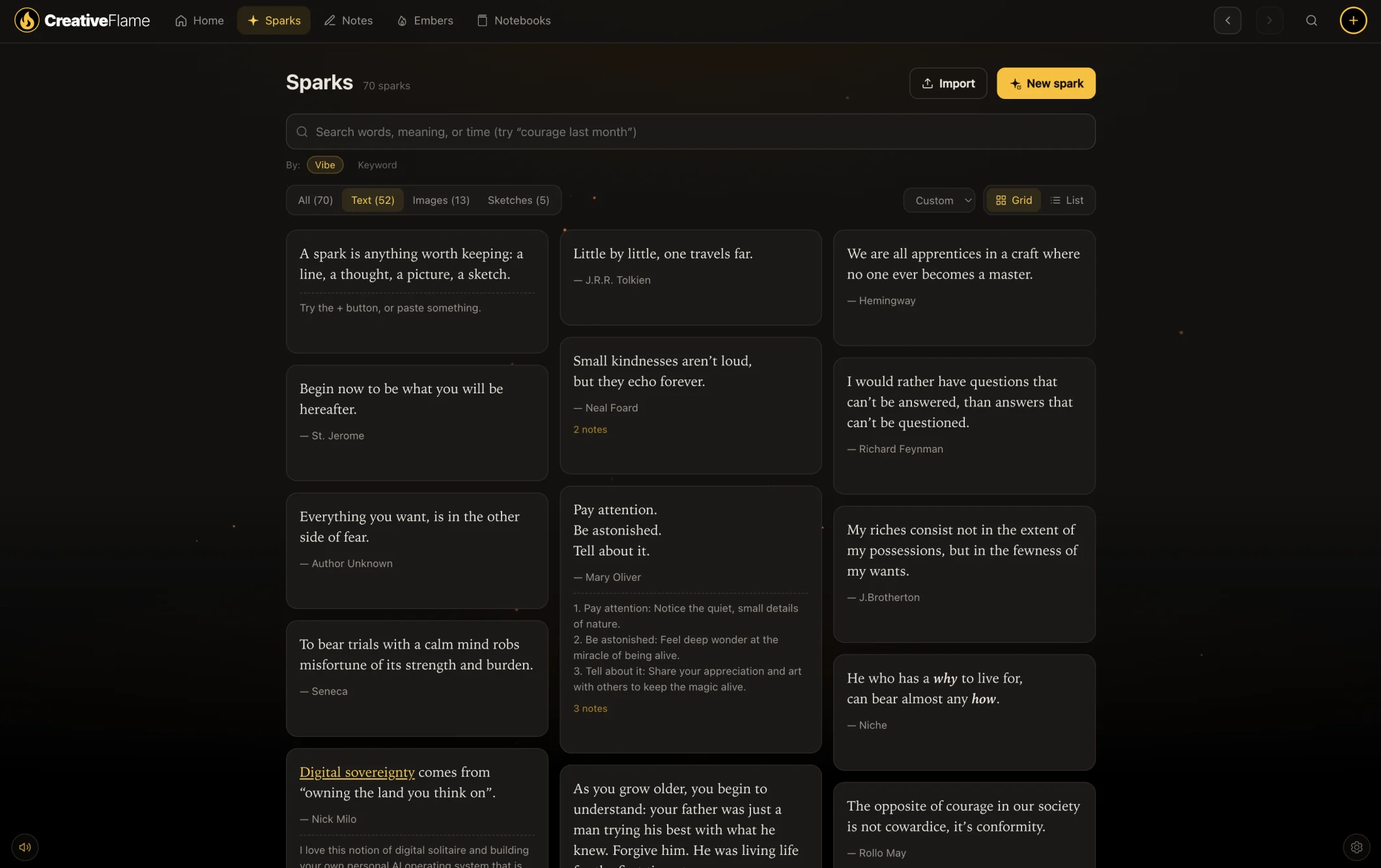
Save a quote, a picture, a sketch or a thought in seconds. Type, dictate, paste or drop it in.
Write with your sparks beside you. Related ideas surface while you think.
Distil the takeaways worth keeping. Ask for suggestions, then keep only the ones you want.
Arrange it all on infinite canvases with notes, drawings and connector lines.
Collect · Capture inspiration
Quotes, photos, screenshots and half-ideas end up scattered across apps and folders. CreativeFlame gives them one private place, ready to search, write with, arrange and export.
Collect anything. Recall anytime.


Notes · Think and distil
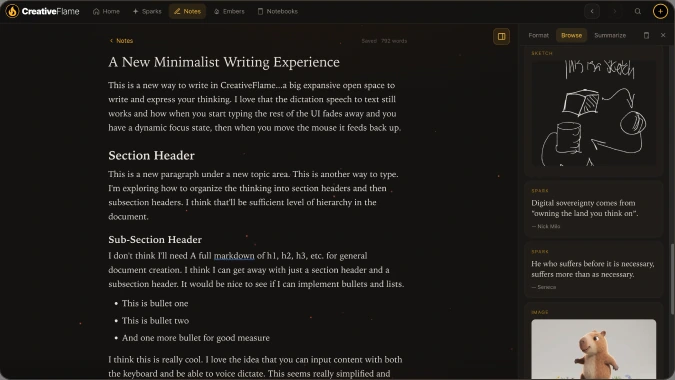
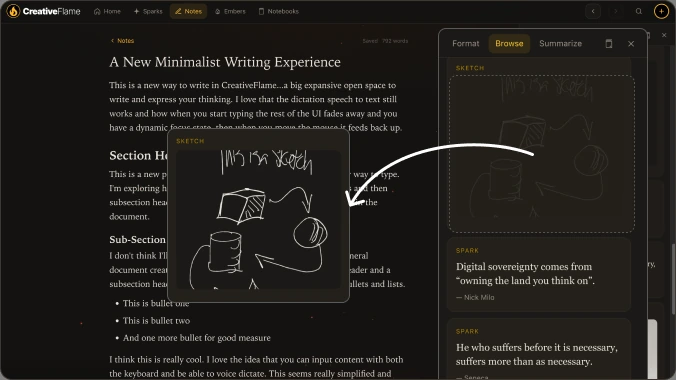
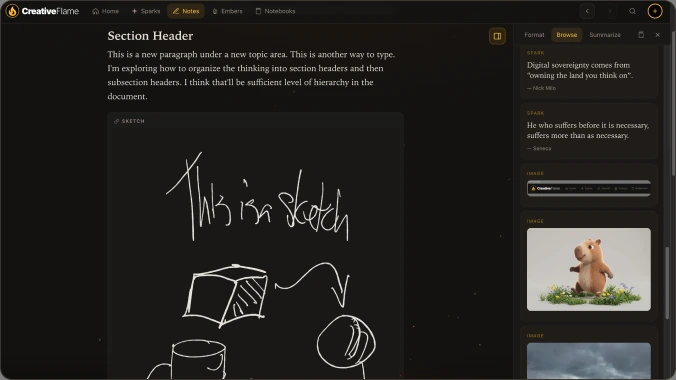
Open a note and write. Drag a related spark in from the Browse panel, then ask for suggested embers from your own thinking and keep only the ones that matter.
Think with it. Keep what matters.
Build · Arrange
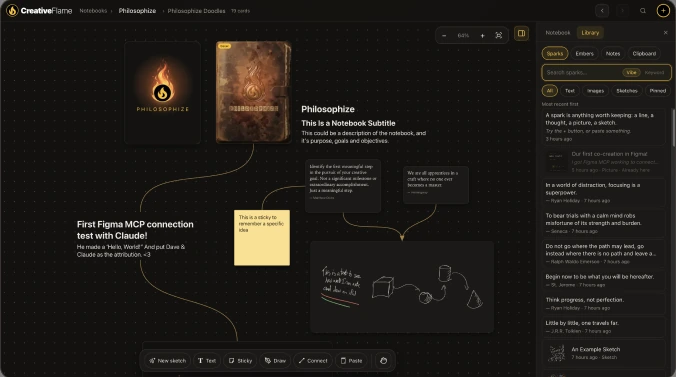
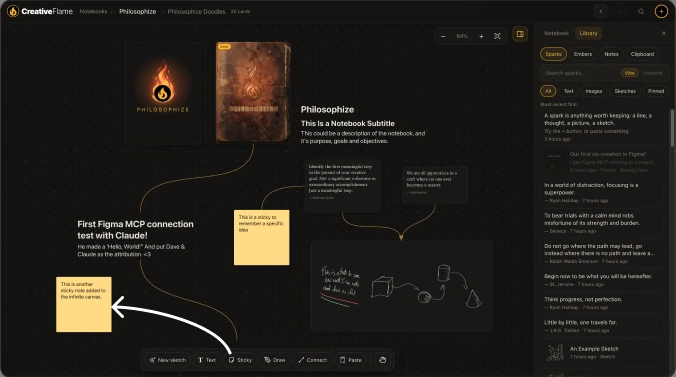
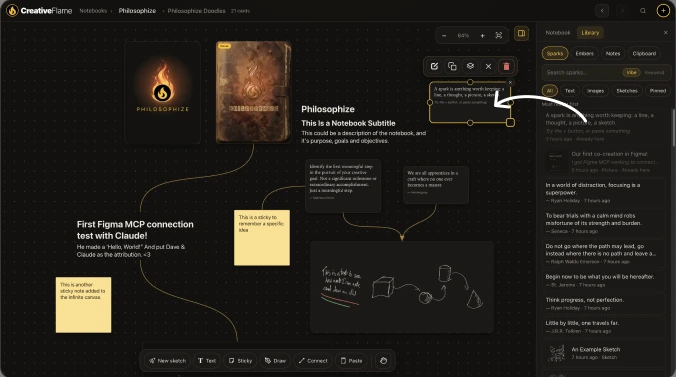
Drag a spark onto an infinite canvas, pull a connector into empty space to start a note, add a sticky, then circle it all with Apple Pencil ink.
Lay it out. Connect the dots.
Made for making, and for coming back
Home cycles through what you have collected, so old ideas find you again.
Old ideas find you again.
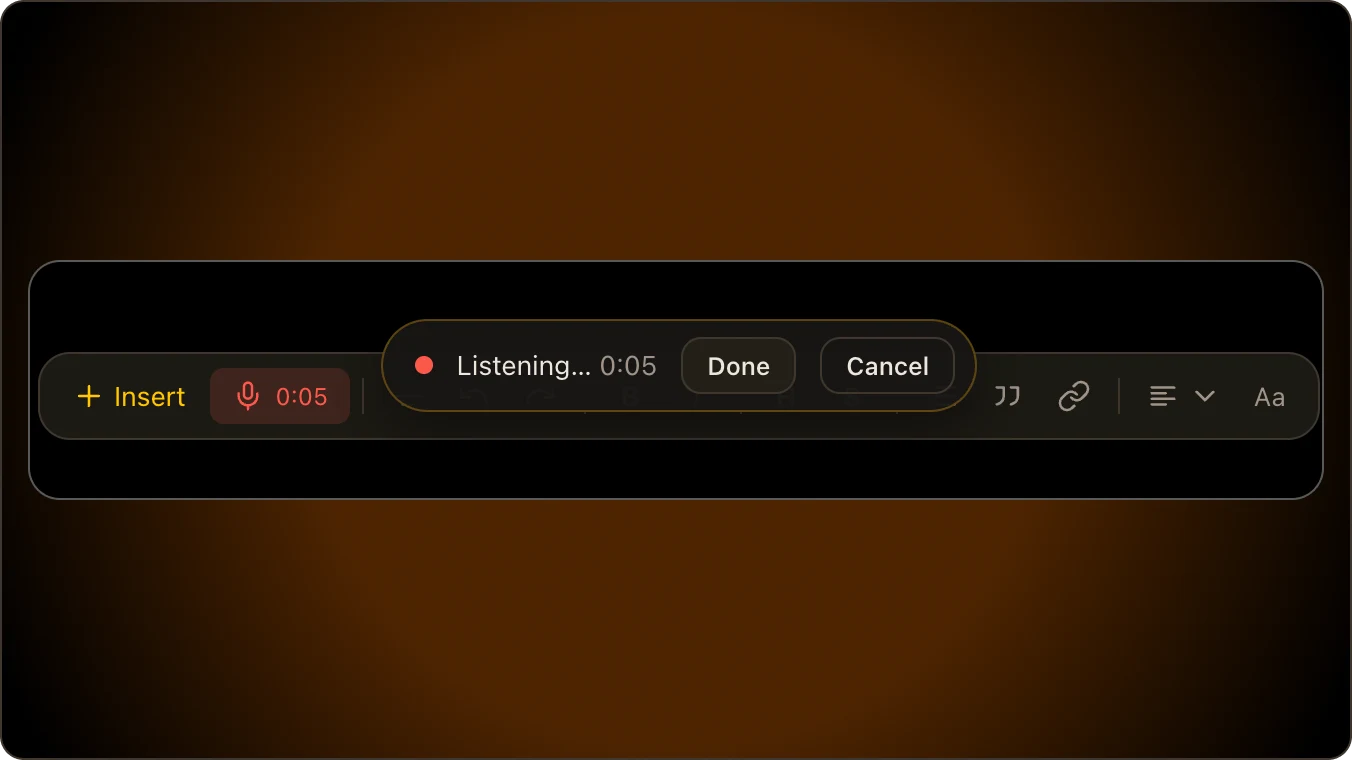
On-device dictation turns your voice into text, and pictures of pages have their words read on your own machine.
Say it, drop it, draw it.
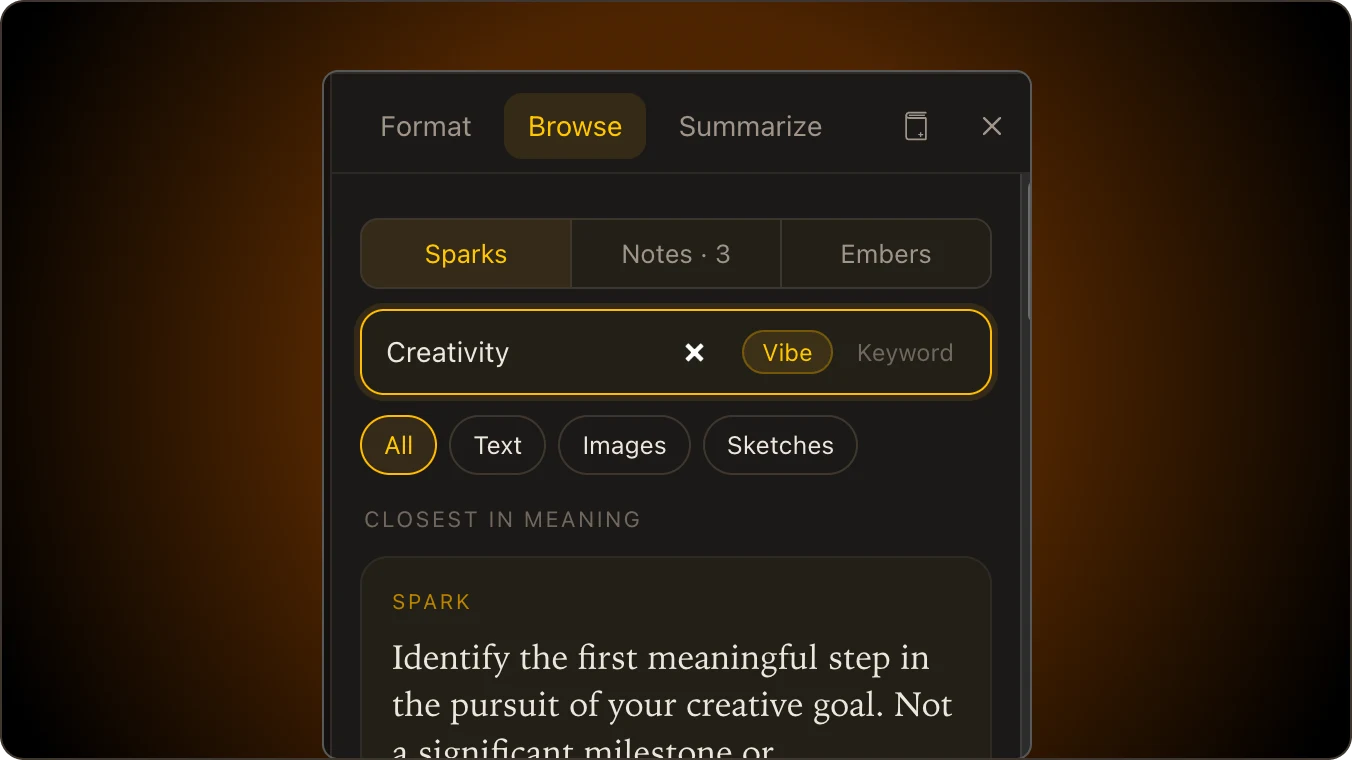
Search by words, by time (“gratitude last week”), or by what a thought is about.
Search by words, time or meaning.
Digital sovereignty
Your sparks, notes and notebook canvases live in one database on your own computer or home server, not on ours. There is no feed and no ads. Dictation, text reading and meaning search run on your device.
Asking Claude to suggest embers is the one thing that sends text out, and only when you press that button. Export everything as plain Markdown and pictures any time.
One short email at launch, and the occasional update after that. No spam, and you can leave any time by replying “stop”.
Your answers help decide what gets built first and what it should cost.